 Portana
Trade Riftbound cards with players near you
List what you have and what you need. Portana finds who has your cards and wants yours, in your city or at your local store.
Goodbye, group chats
No more scrolling through hundreds of WhatsApp or Telegram messages to find who has the card you need. Portana already knows who has it and who wants yours.
How it works
From your card list to a completed trade, without spreadsheets or group chats.
-
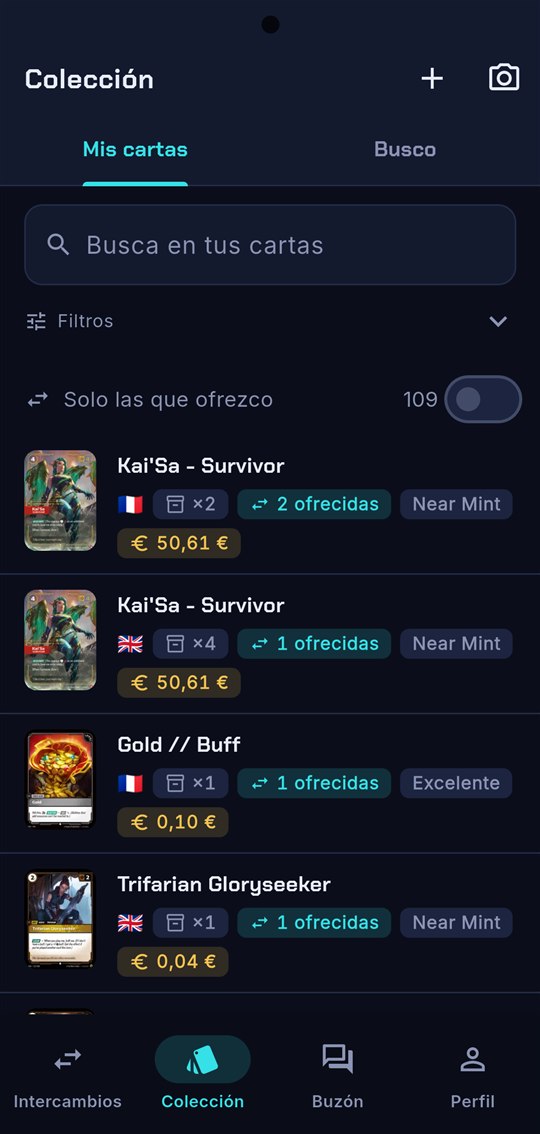
List your cards
What you own and what you offer, with language, condition and what each one is worth. Add them by scanning with the camera button.
-
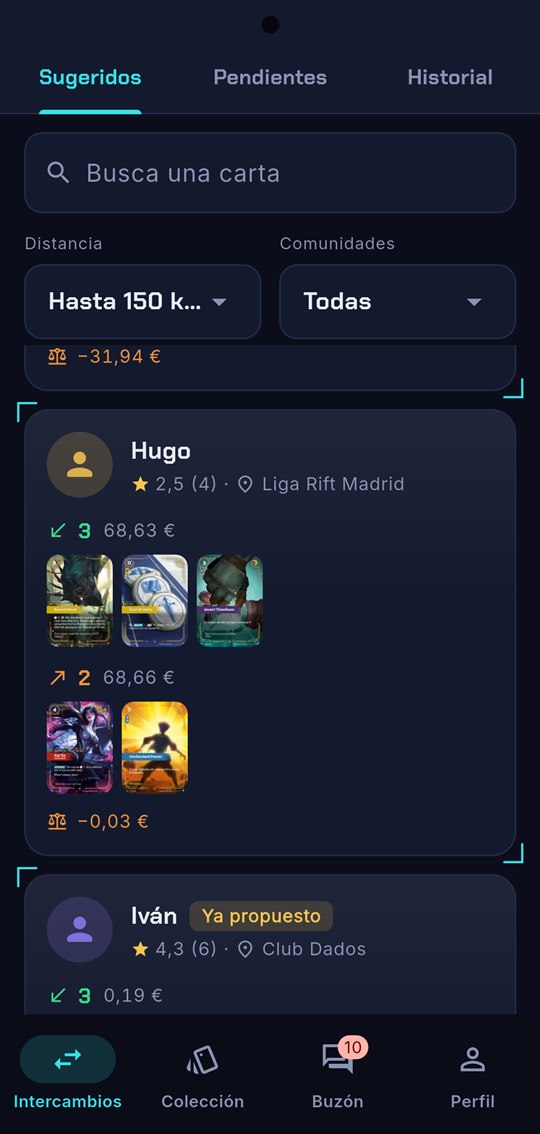
Check your matches
Portana matches your lists with players in your area or communities: what they give, what you give and what each side is worth.
-
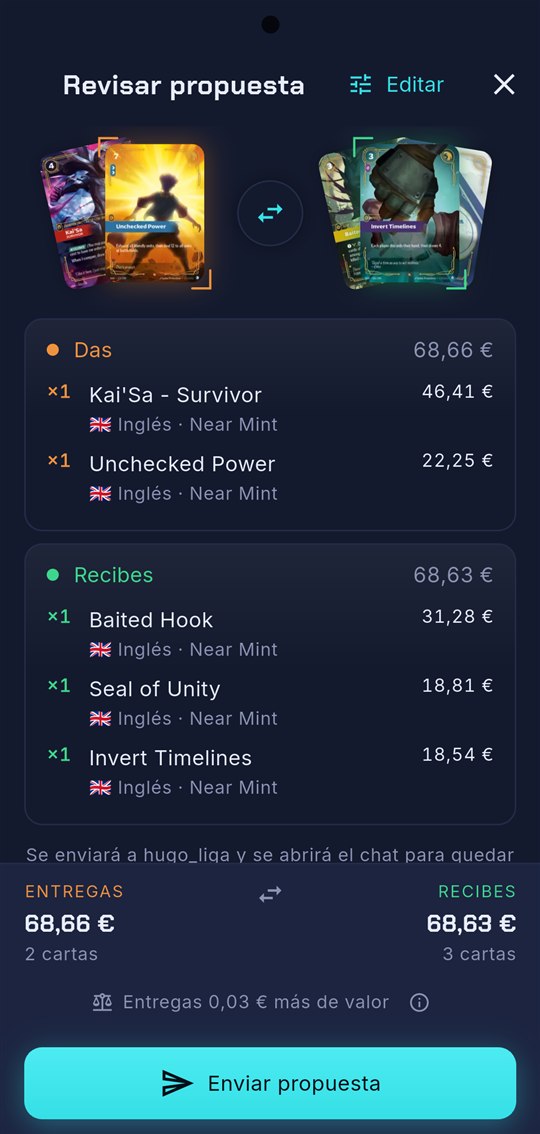
Propose the trade
Pick the cards and review the proposal with each card's value before sending it. If it doesn't work for the other player, they counter.
-
Meet and trade
Every trade has its own chat to arrange a meeting. Once it's done, the cards move between collections automatically and you rate each other.
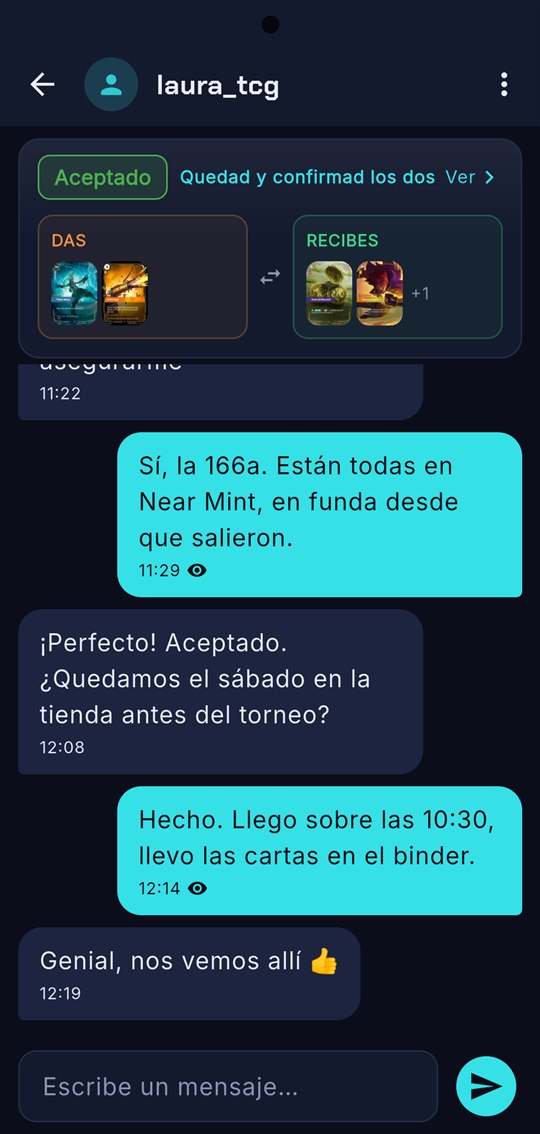
Screenshots of the app with demo accounts. The app is currently in Spanish.
Everything you need to trade
Built for players, not stores.
- Your collection and wantsWith condition, language and foil, plus lists for every deck you are building.
- Fair tradesEvery card shows its CardMarket reference value, so both sides know the trade is balanced.
- One chat per tradeThe proposal, the counter-offers and the conversation, all in one place.
- Want alertsWhen someone nearby starts offering a card on your list, you'll know.
- Card scannerPoint the camera and the card is recognised on your phone, no typing needed.
- Safe communityRatings after every trade, plus blocking and reporting players.
Not a store
Nothing is bought or sold in Portana: it's free and does one thing, card trades between players. If you agree to settle a difference with cash, it's paid in person, outside the app.